On your phone
Check messages after a walk, update a photo or browse when you have a few minutes. Adjust app notifications in your phone settings if you’d prefer to check in on your own schedule.
Choose your download →Download the senior dating app for iPhone or Android. Use your existing SeniorMatch account or create a free profile to browse singles over 50.
Free to download. Optional paid membership.
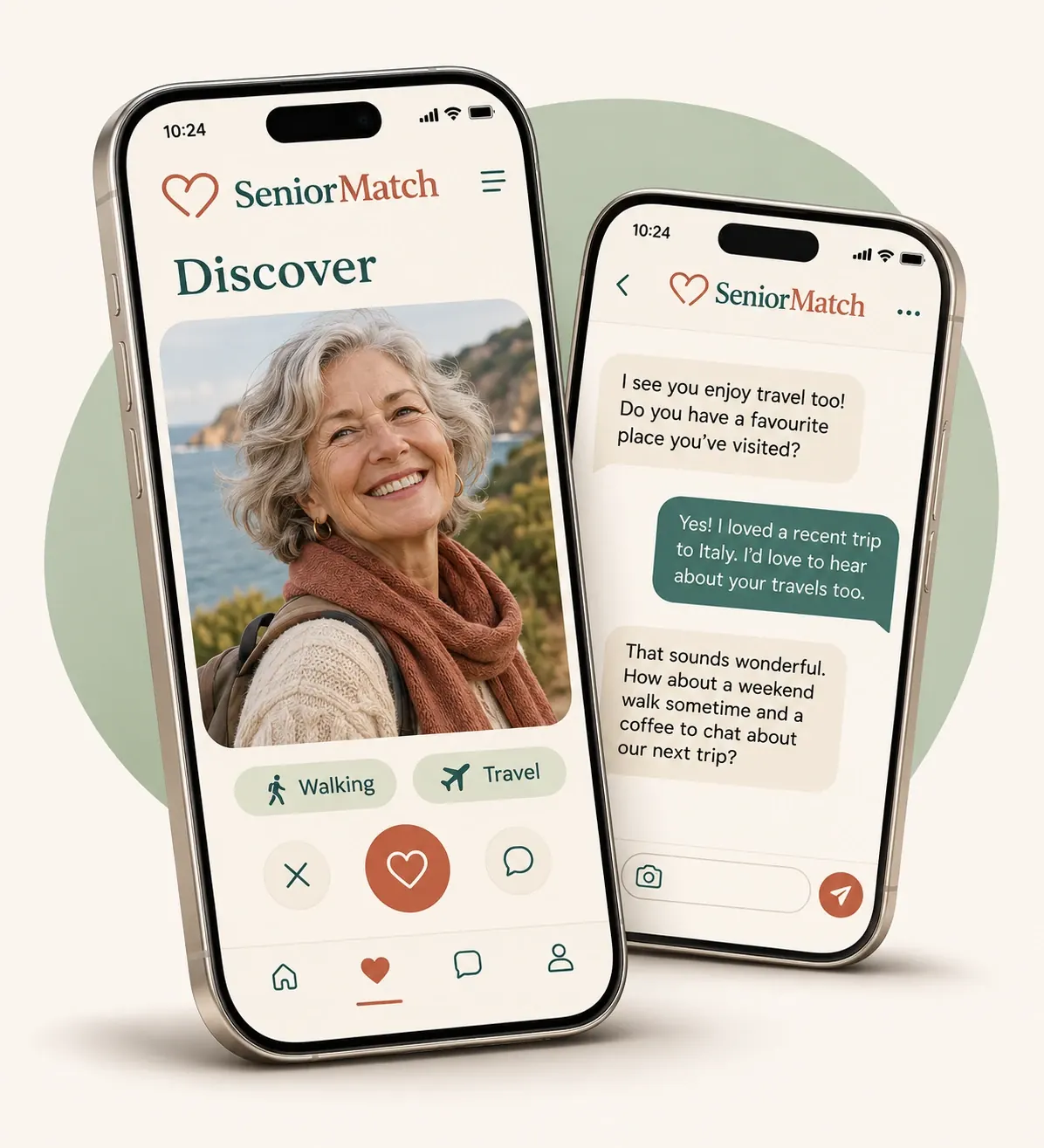
Visit SeniorMatch for download options for your device. Check compatibility in the store before installing.
If you already use SeniorMatch, open the app and choose the sign-in method you used to create your account. If you’re new, create a free account and add a recent photo and a few details about yourself.
Read about the interests and routines people share in their profiles. When a conversation catches your interest, take time to read it and reply when it suits you.
Choose the screen you’re most comfortable using.
Check messages after a walk, update a photo or browse when you have a few minutes. Adjust app notifications in your phone settings if you’d prefer to check in on your own schedule.
Choose your download →A bigger screen gives you more room to read, and a keyboard can make writing your introduction easier. You can use SeniorMatch from your web browser.
Go to Sign In →Start with the parts you’ll use most often.
Pick a recent photo that shows your face clearly. If your phone offers limited photo access, you can select the picture you want to upload.
Try your phone’s text-size or display settings if reading feels tiring. A tablet or desktop browser is another option when you want more space.
Keep early conversations on the service while you get to know someone. You can take your time before sharing a phone number or arranging a meeting. Read online dating safety tips.
Create a profile, browse members and reply to conversations started by Premium members. Premium adds the ability to start private conversations and use advanced search filters. Review the billing period and total charge before subscribing.
Yes. You can download the app and start with a free account. Paid membership is optional.
Yes. Choose Sign In and use the method you used to create your account. Use the recovery option for that sign-in method if you can’t get in.
Check the store listing for device and software requirements, and make sure you have enough storage. You can also open SeniorMatch in a web browser.
Downloading and subscribing are separate steps. If you choose a paid plan, the purchase screen shows the charge and renewal terms before you confirm.
Use the account through which you purchased the plan. For an app-store purchase, open subscriptions in your Apple or Google Play account and check the next renewal date.
Choose your device and start with a free profile.